One Last Cast Tools & Player Utilities
Checklists and PC baselines that keep the lakeside running smoothly.
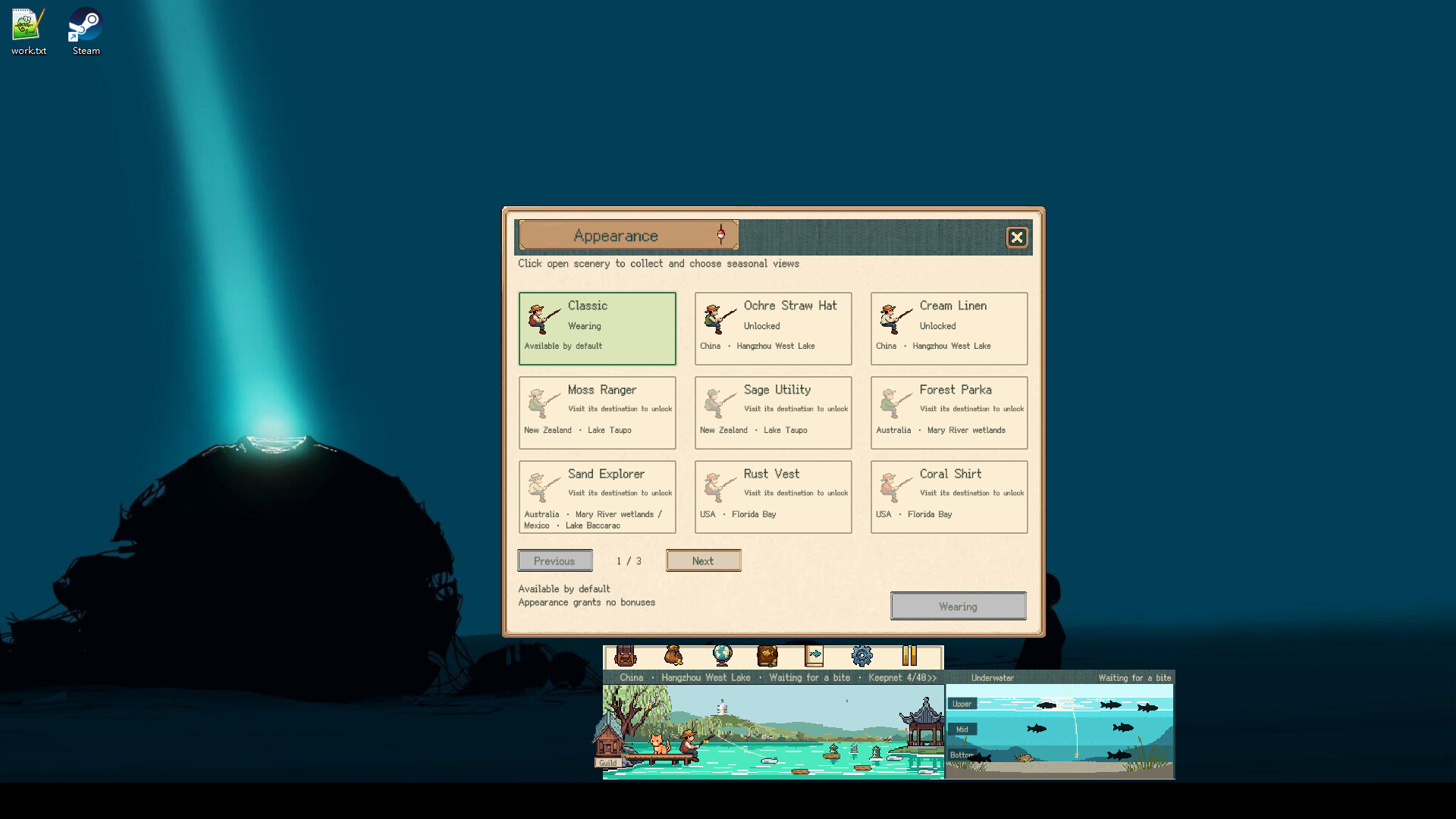
The Tools Hub collects practical utilities for One Last Cast players: hardware sanity checks, progress trackers, and links into the guides that make AFK fishing feel effortless. This is not a cheat console and not a redeem-code dump—just calm helpers for a calm game.
Child pages:
- System Requirements — minimum and recommended Windows specs
- Progress Checklist — structured goals across locations, collections, and upgrades
Why tools matter for an AFK fishing game
Because One Last Cast is meant to live beside work and study, the best “tools” reduce friction:
- Confirm your PC can leave the client running without drama.
- Keep a checklist so West Lake, Lake Biwa, and later wetlands do not blur together.
- Jump back into Desktop Setup when the window layout fights your workflow.
- Recheck Bait & Tackle before big purchases.
Suggested toolkit for new owners
- Verify specs on System Requirements.
- Install from Steam (full app 5508060 or demo 5508070).
- Read Launch Notes for November 2026 context.
- Complete Getting Started and How to Play.
- Print or copy the Progress Checklist into your notes app.
- Use Fish & Spots pages while traveling.
- Keep Official Links handy for Discord and store pages.
What you will not find here
- Trainers, exploits, or save editors
- Invented spawn calculators with fake precision
- Redeem codes (explained on Codes)
- Unofficial APKs or non-Steam clients
If a community spreadsheet appears with exact bite rates, treat it as unverified until it matches your journal. This wiki’s philosophy is observe, log, upgrade—not spreadsheet cosplay.
How tools connect to the rest of the wiki
| Tool page | Pairs with |
|---|---|
| System Requirements | Desktop Setup, Updates |
| Progress Checklist | Locations, Encyclopedia, Commissions, Achievements mindset |
| (This hub) | Guides, Tier List, Fish & Spots |
After patches, revisit tools alongside Updates in case storage footprints or progression order change. Pricing and wishlist tips remain on Codes and the Steam store.
Light-touch productivity tips
- Run One Last Cast on a secondary monitor or corner window.
- Schedule basket checks with natural breaks—not constant alt-tabbing.
- Use the checklist weekly, not minute-by-minute.
- Celebrate encyclopedia pages and aquarium themes as much as coin totals.
- When stuck, change location or bait before downloading random “tools” from shady sites.
Demo users
Demo players still benefit from this hub. Specs are the same class of lightweight client, and the checklist’s early sections map cleanly onto the first five locations. Graduate to full-game checklist rows after purchase.
Community & support pointers
Bug reports and feature wishes belong with Shorepause Studio channels and Steam discussions—not inside fan checklists. Share cozy screenshots on Discord. Keep this wiki bookmarked for structured advice across Guides, Tier List, and Fish & Spots.
Set up your tools once, then let the float do the quiet work. That is the entire point of a desktop lakeside.
Frequently Asked Questions
Quick answers to the most common questions.
Are these tools official Shorepause utilities?
No. They are fan wiki helpers—checklists and requirement summaries based on public Steam information.
Do you provide mods or trainers?
No. This hub stays spoiler-light and cheat-free so the cozy AFK fantasy remains intact.
Which tool should I open first?
Confirm System Requirements, then use the Progress Checklist alongside Getting Started.
Will more calculators be added?
Only if we can ground them in real in-game data. We will not ship invented spawn math.